
01
Step 1
Confirm your address
Enter your Cary-area address to make sure it is inside our current service area. You will know whether we can serve your home before you pay.
Set up your home once, then Bin Buddy coordinates the schedule, route, notifications, curb-out, and curb-back every service week.
Step 1
Enter your Cary-area address to make sure it is inside our current service area. You will know whether we can serve your home before you pay.
Step 2
Choose your regular pickup day and recycling week. Tell us how many garbage, recycling, and yard-waste bins you have, then add any optional services you need.
Step 3
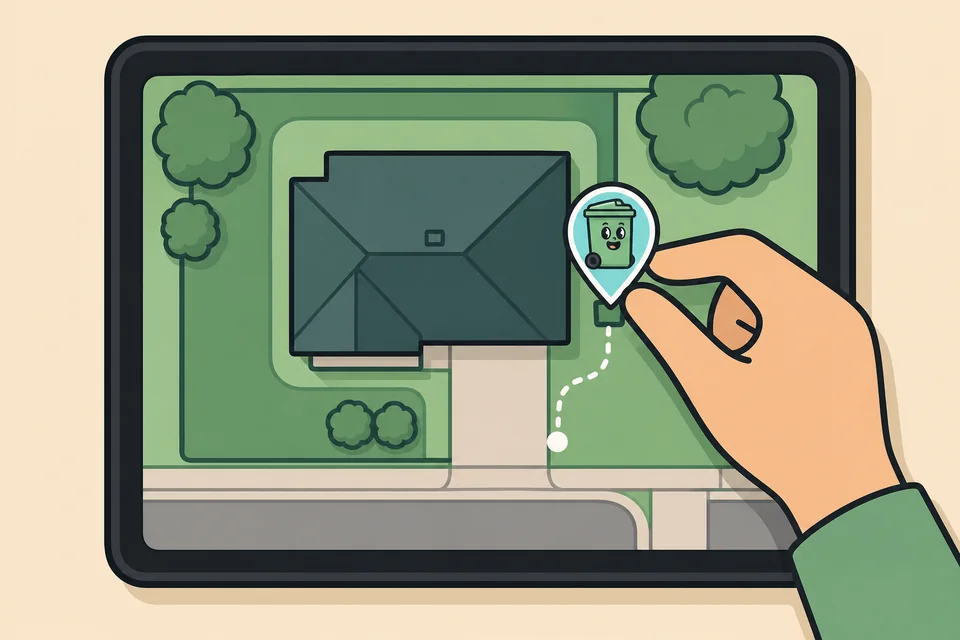
We zoom in on your house using a satellite map. Place the bin marker at its normal storage location and add gate codes, access details, or return instructions for your Bin Buddy.
Step 4
Review your recurring total and any one-time add-ons, then complete payment through Stripe. Your card details are handled by Stripe, not stored by Bin Buddy.
Step 5
Your upcoming service is scheduled automatically from the pickup information you provided. We send a reminder before your bins are moved so you know we are on the way.
Step 6
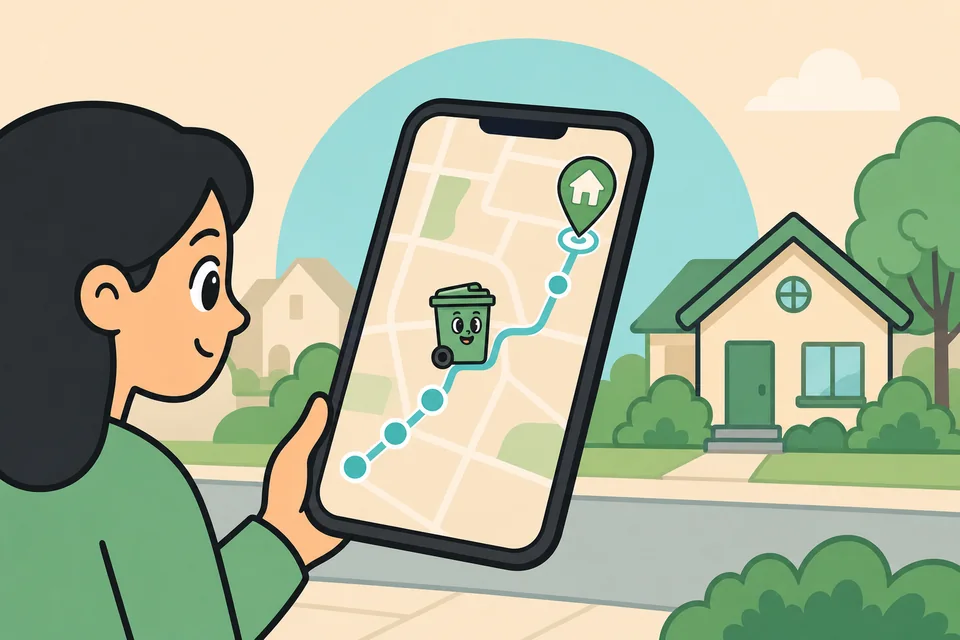
Once your Bin Buddy starts the route, your dashboard shows how many stops are ahead of you. When you are next, you receive a notification and can follow your Bin Buddy's live location as they approach.
Step 7
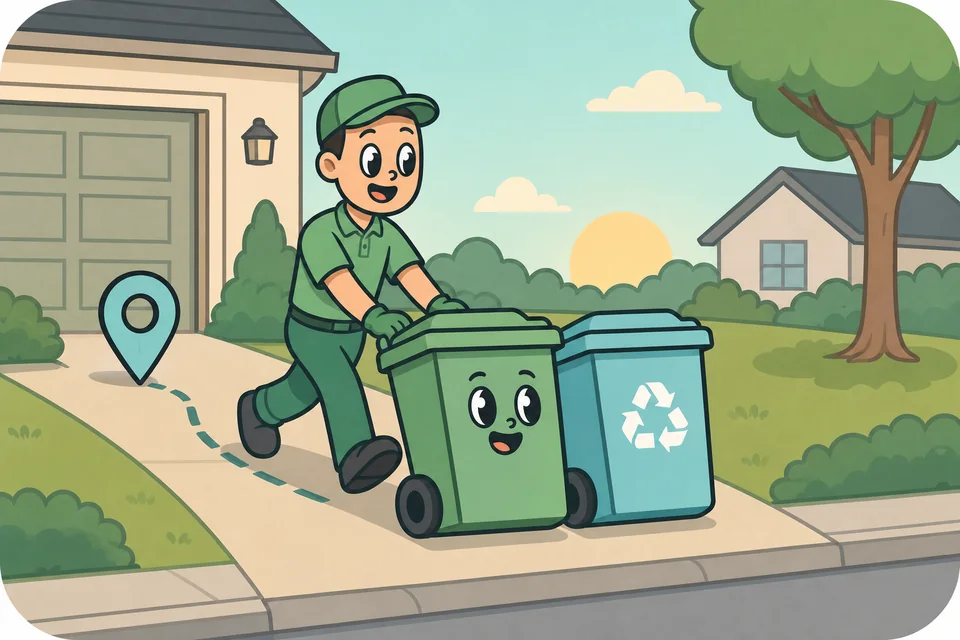
Your Bin Buddy uses your map pin and property notes to find the bins, then carefully moves them to the curb before your scheduled collection.
Step 8
After collection, your Bin Buddy brings the emptied bins back from the curb and returns them to the storage location and position you provided.
Step 9
We notify you when curb-out and curb-back are complete. From your account, you can review upcoming service, update storage or return notes, and manage your subscription and billing.
Check your address, mark your bin location, and set up recurring service in just a few minutes.